From
to
Open models that love hardware

Models

A 9B decision model picks every move of Dino, Tetris and Pinball, on the device, in real time.
Pick a game
Every move is the model's own choice. Play shows one of its recorded games at random.
By playing, you accept the Terms of Service.


Click an object in your video and watch it tracked frame by frame on a Jetson.
A clip of up to 60 s and 8 MiB (MP4/H.264 or WebM). Every frame is tracked (up to 30 a second) for a clip of up to 15 s; a longer one at a lower rate, at least 10 frames a second, up to 450 frames.
By running, you accept the Terms of Service.
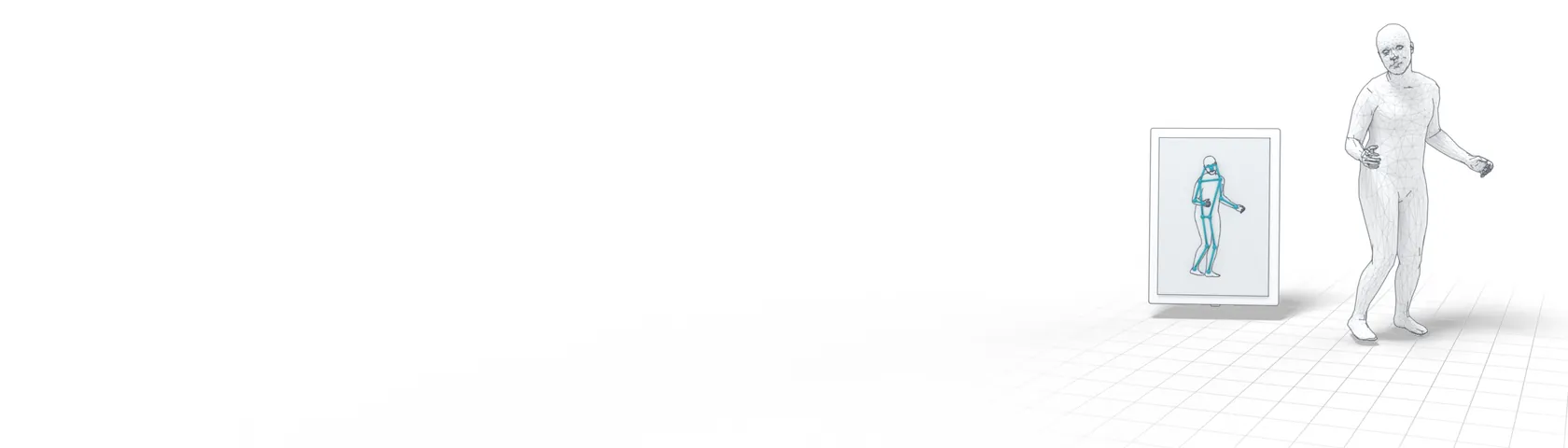
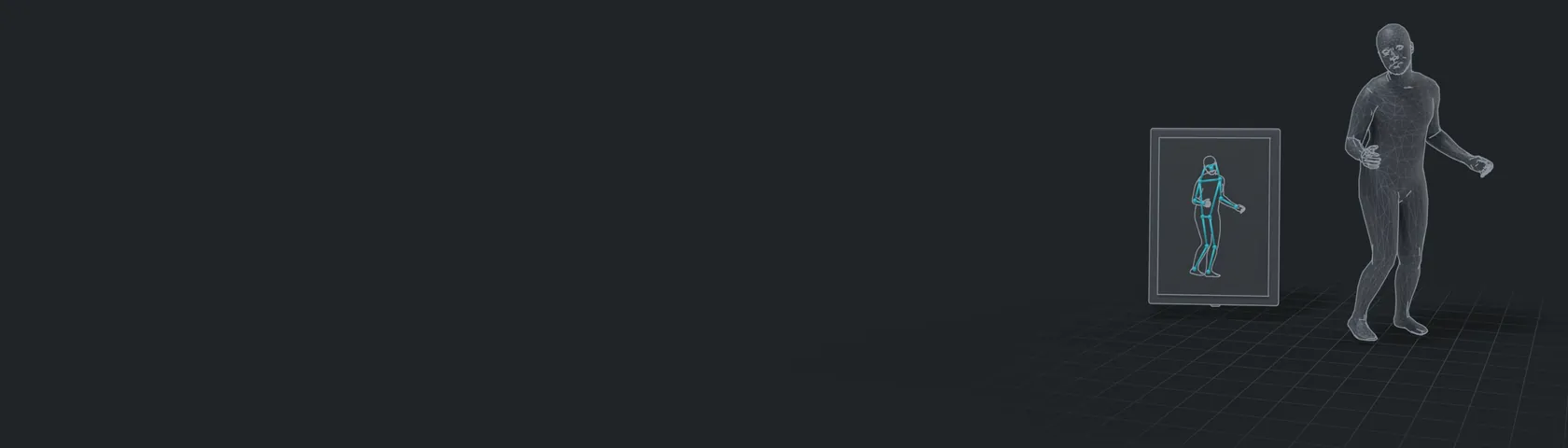
A full 3D body mesh from a single photo.
A photo with one or more people (up to 5, the largest first). The detector finds them; each is cropped by their box padded 1.25× and made square, warped to 512×512 and normalized with ImageNet's mean and std (upstream's top-down transform).
By running, you accept the Terms of Service.

Turn a few words into a picture, right on the device.
Try an example prompt
By running, you accept the Terms of Service.
Reasoning about the physical world from what a camera sees.
An image for the prompt to ask about, sent as an OpenAI image_url in the same user message; encoded by the model's visual engine.
By running, you accept the Terms of Service.
Click an object in your video and watch it tracked on an entry-level Jetson.
A clip of up to 60 s and 8 MiB (MP4/H.264 or WebM). Every frame is tracked (up to 30 a second) for a clip of up to 6 s; a longer one at a lower rate, at least 10 frames a second, up to 180 frames.
By running, you accept the Terms of Service.
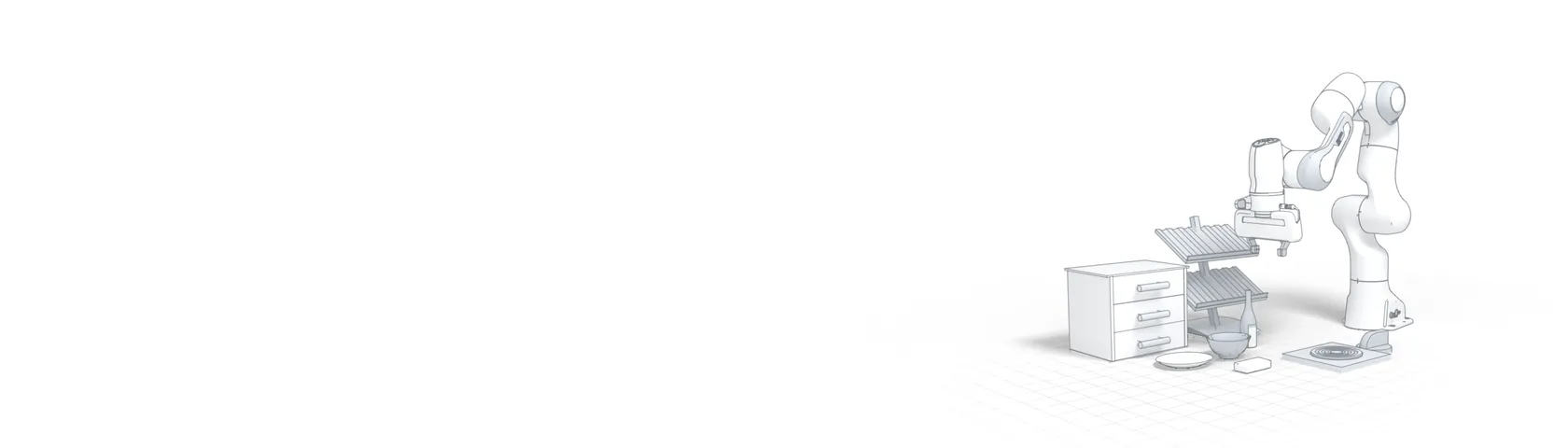
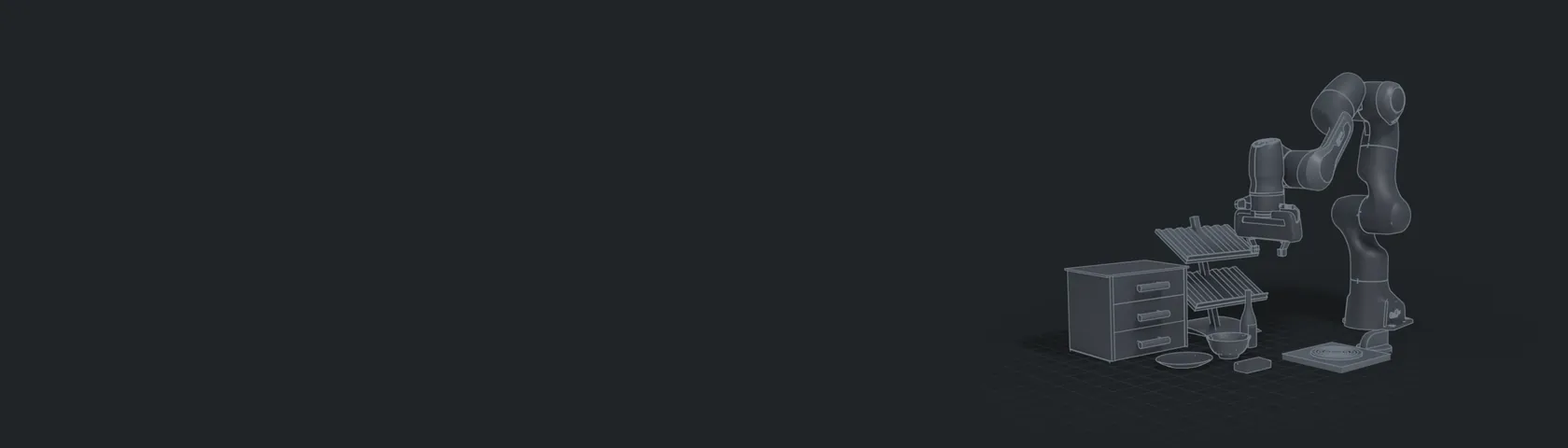
Instruction-following robot policy for manipulation tasks.
Try an example instruction
By running, you accept the Terms of Service.
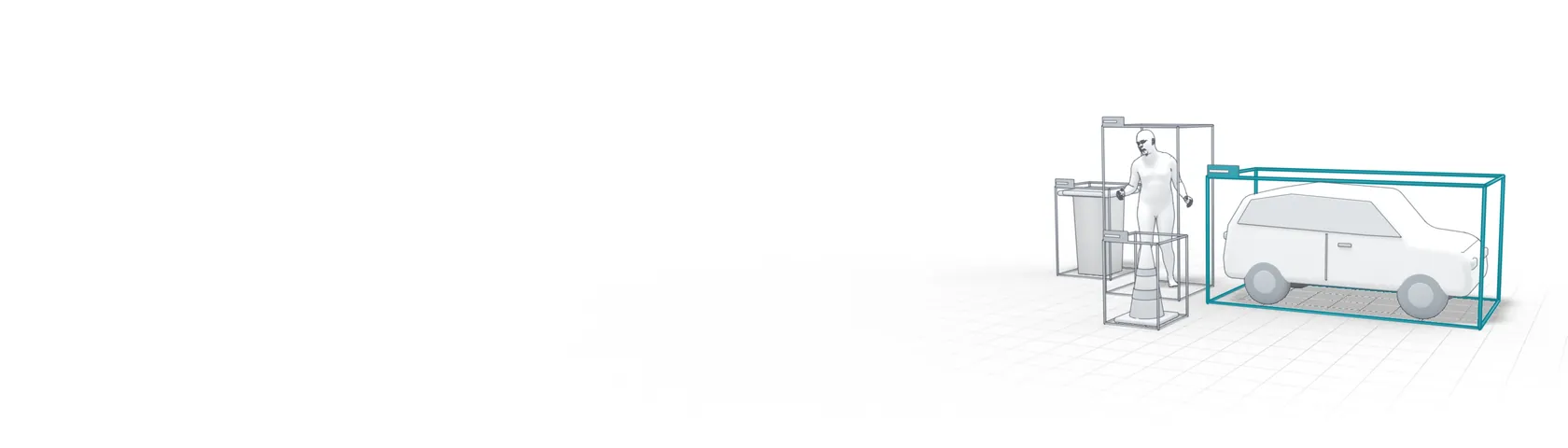
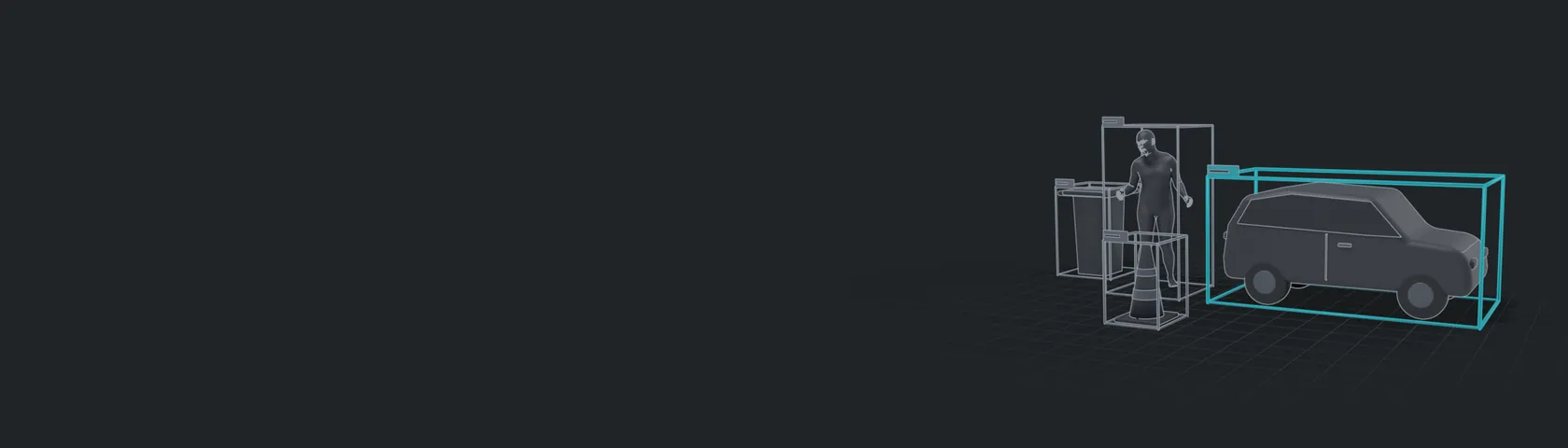
Real-time object detection, every object boxed and named.
A photo: JPEG, PNG or WebP, up to 20 MiB. serve.py turns it upright (its EXIF orientation), resizes it to a square 560×560 (bilinear, antialiased; no letterbox) and normalizes it with ImageNet's mean and std into the engine's input [1, 3, 560, 560].
By running, you accept the Terms of Service.

Name any object in words and it finds it in the photo.
A photo; boxes use its upright pixels.
By running, you accept the Terms of Service.
How far away is everything? A depth map from a single photo.
One photo, ≤8 MiB / 16 MP; EXIF upright, fixed bicubic 518×518 square, ImageNet normalization.
By running, you accept the Terms of Service.
See what a vision backbone sees. Every patch of your photo coloured by what it is.
One photo, ≤8 MiB / 16 MP; EXIF upright, shorter side resized to 256, centre 224×224 crop, ImageNet normalization.
By running, you accept the Terms of Service.
Take a photo, or pick one, and ask about it.
An image for the prompt to ask about (optional), sent as an OpenAI image_url in the same user message; encoded by the model's visual engine.
By running, you accept the Terms of Service.
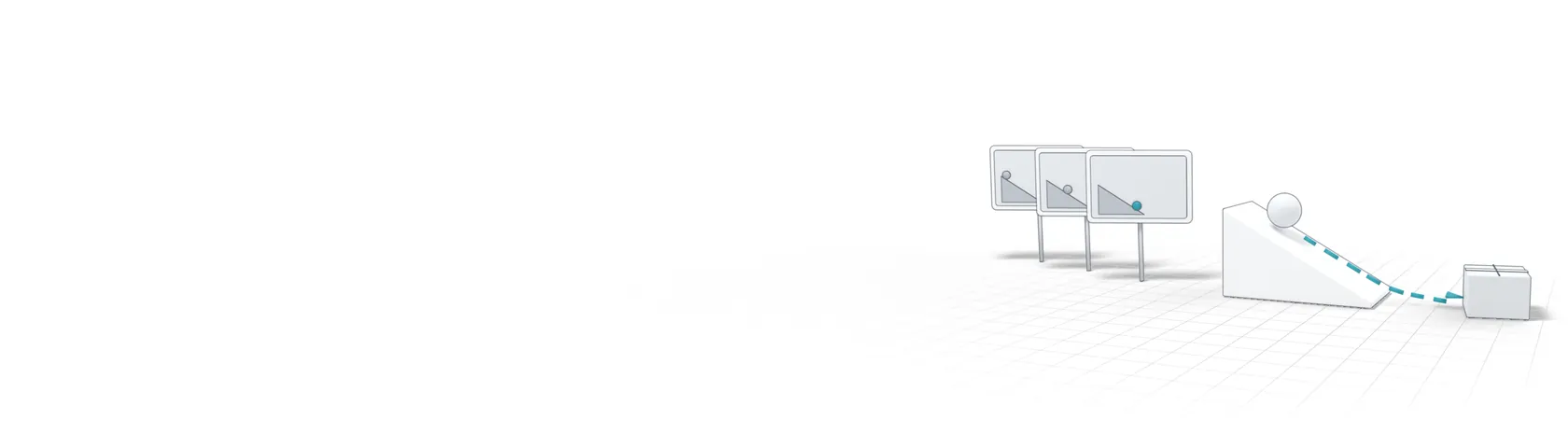
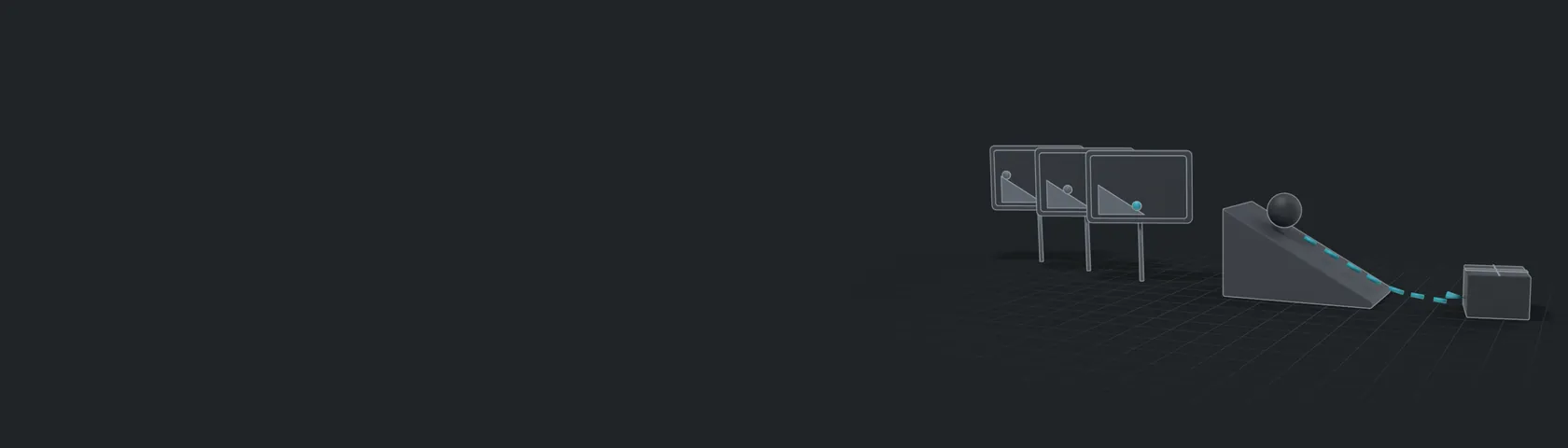
Show it a scene and ask what happens next.
An image for the prompt to ask about (optional), sent as an OpenAI image_url in the same user message; encoded by the model's visual engine.
By running, you accept the Terms of Service.
Loading models…